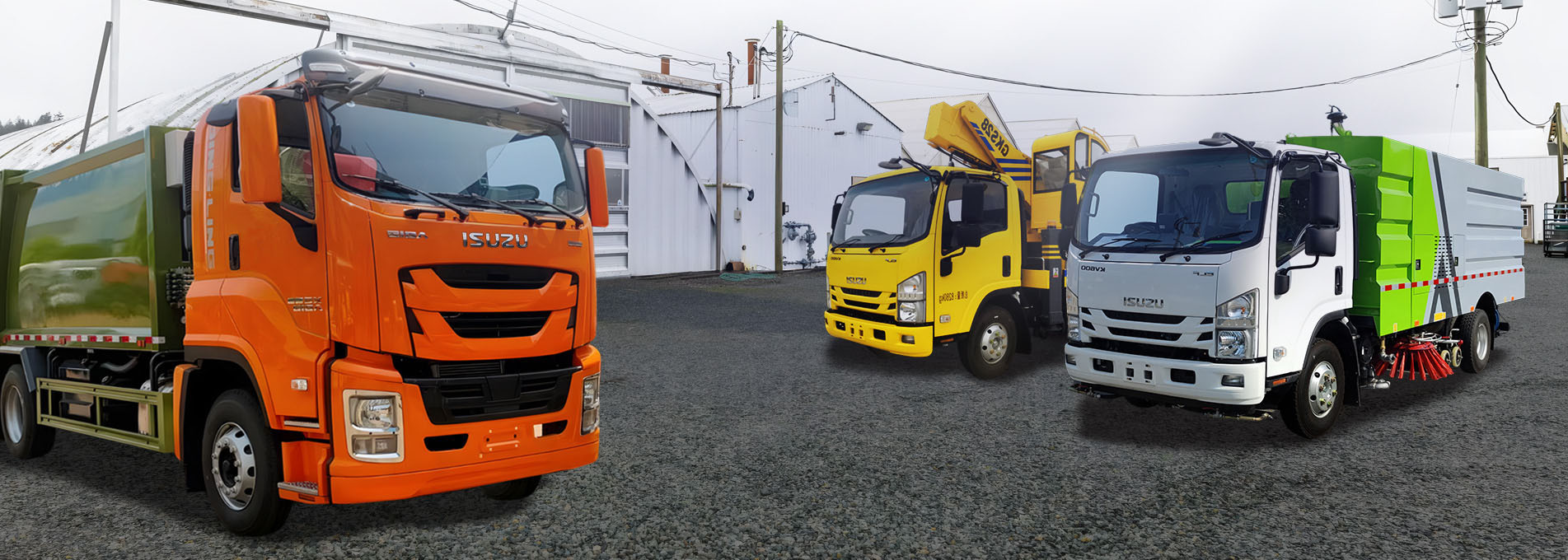
Operating a ISUZU high-pressure sweeper truck requires following a clear sequence of steps to ensure effective cleaning and safe equipment operation. The entire process is divided into three main stages: starting the cleaning operation, shutting down after cleaning, and unloading the dustbin. Below is a structured operation guide.
1. Starting the Cleaning Operation
First, turn on the power to the control box and set the control valve to the auxiliary valve position. Start the auxiliary engine and then turn the auxiliary engine clutch control button to the off position to engage the fan. Lower the vacuum box by rotating the vacuum box control button to the lower position. Next, lower the left or right broom as needed. Set the sweeping rotation direction: clockwise for the left and counterclockwise for the right. Activate the left, right, and rear spray buttons by rotating them to the on position. Finally, turn on the water pump. Drive the vehicle at an appropriate speed to begin cleaning.
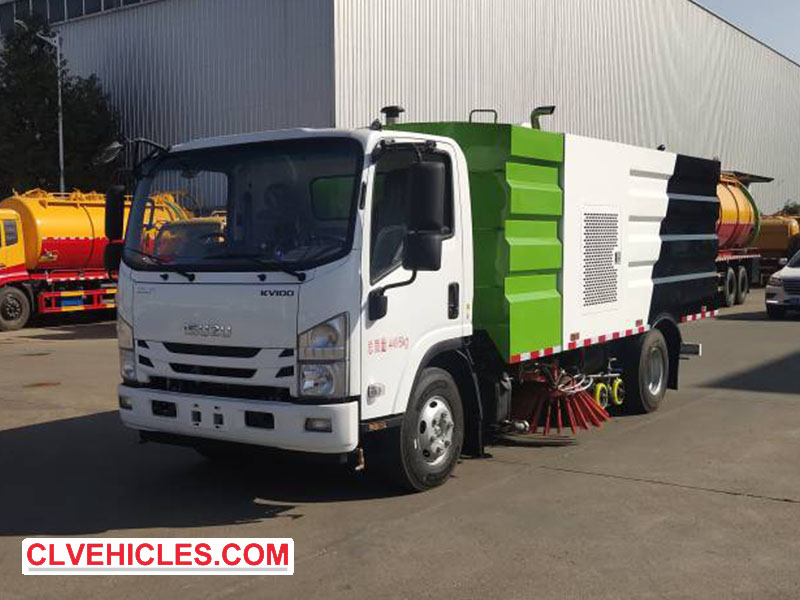
2. Shutting Down After Cleaning
After cleaning is complete, stop the vehicle. Turn off the water pump and all spray controls (left, right, and rear). Return the broom control button to the middle (neutral) position. Move the sweeping control knob to the raised position, then back to the center position. Rotate the vacuum box button upwards to raise it, then back to the center position. Rotate the auxiliary engine clutch knob to the minute (disengaged) position, then back to the center position to disengage the auxiliary engine clutch. Move the control valve to the center position to shut off the auxiliary engine, and finally turn off the control box power.
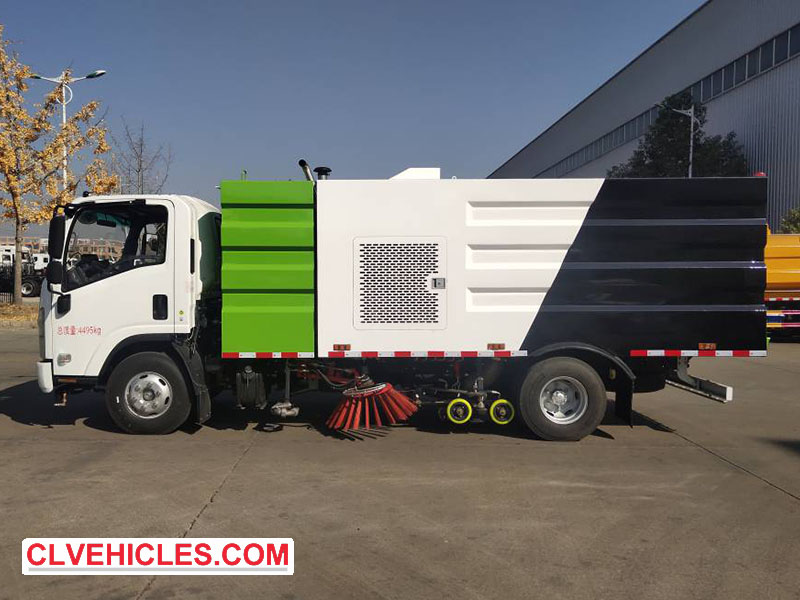
3. Unloading the Garbage Bin- Preparation and Dumping
To unload, turn on the control box power and set the control valve to the main valve position. Start the vehicle's main engine and depress the clutch. Engage the auxiliary oil pump clutch by pulling the switch outwards, then smoothly release the clutch. Press the rear door control button to the open position to open the rear door; after five seconds, return it to the center position. Tilt the garbage bin by pointing the vehicle control button to the raised position; you can stop at any desired tilt angle by returning the button to the center position.
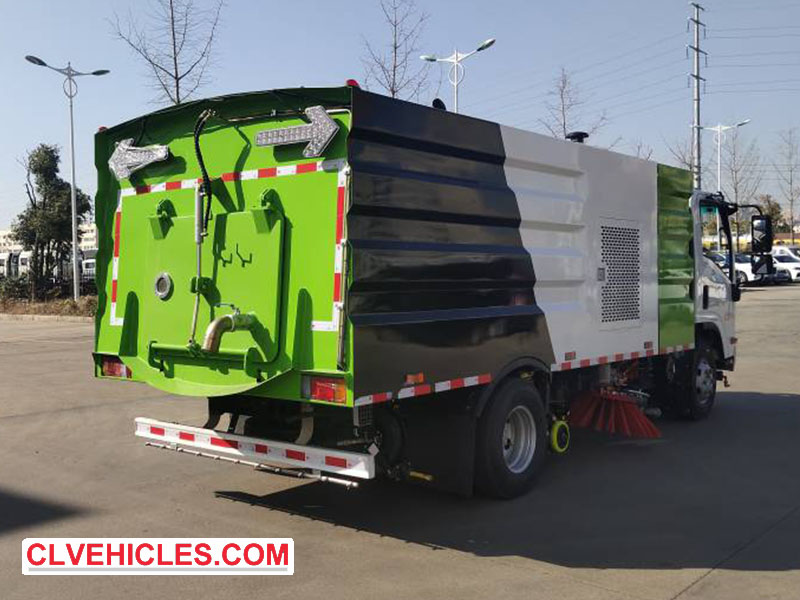
4. Garbage Bin Unloading – Reset and Sorting After Complete Garbage Discharge.
After the garbage has been completely discharged, point the vehicle control button to the lower position to lower the garbage bin. After the trash can has fully reset, place the button in the middle position. Press the rear door button to close it; wait ten seconds, then return to the middle position. Depress the clutch again, push the auxiliary oil pump clutch switch inward to disengage it, and then release the clutch. Finally, place the control valve in the control box in the middle position and turn off the control box power. Following this sequence ensures safe and efficient operation and prevents damage to the hydraulic system or cleaning components.
Get the Latest ISUZU Road Sweeper Truck Buyer's Guide
Ready to upgrade your municipal fleet? Download our latest Comparison Catalog & Maintenance Manual for ISUZU Road Sweepers.
By Inquiry Today, You Will Get:
Exclusive Factory Discount: Save up to $1,500 on your first order this month.
Spare Parts Package: 1-year wearable parts (brushes, filters, nozzles) included for FREE.
Shipping Quote: Get a real-time shipping cost estimate to your nearest port.
CONTACT US quickly,Leave your Email & Destination Port to get the Offer!